
Everyone measures the body.
This holds the whole life.
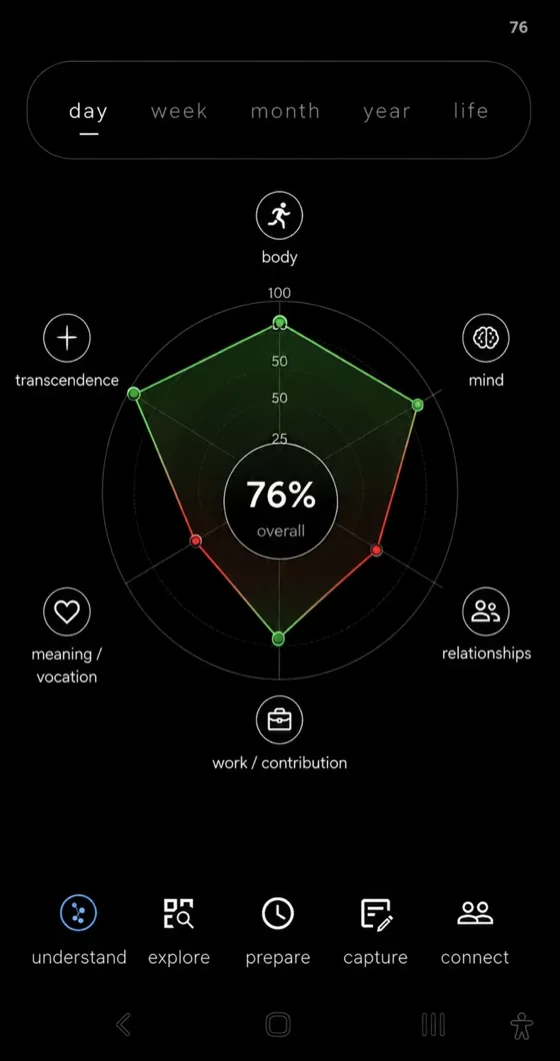
Body, mind, people, work, meaning, faith — drawn as one circle from what you actually did. On your phone, and nowhere else.
Android now · iOS next · nothing leaves the phone
How it works
Three things, and the third is putting it down.
-
1
Capture, in passing
A task, a thought, a name, a photo. Ten seconds, then the phone goes back in the pocket.
-
2
The circle draws itself
Seven corners of a life, weighed from what you did — not what you logged, not what you promised.
-
3
Put it down
One number at night, three quiet questions. Nothing pings. The corner you neglected is simply the first thing you see tomorrow.
What it's made of
Four things, and the fourth is why.
-
Attention
A launcher that hides the phone. The apps are still there; you just stop seeing them, and start seeing where the hours went.
Launcher · sleep guard · site filter · unlock check-in -
Smart-memory
What you meant to hold and forgot. It remembers what you said, only what you said, and finds it by meaning, on the phone.
Notes · canvas · Companion · search -
Relationships
One person who sees you, and a quiet note of who you haven't seen lately. They stay on their own WhatsApp and never install anything.
Partners · digests · shared tasks · people -
Direction
Where you said you were going, beside where the week actually went. Not a score of your life; a witness to your practices.
The circle · goals · scripture · your story
The seven corners
A ring can see your sleep.
It can't see the friend you haven't called.
Body
Sleep, move, eat — one line, not three apps.

Mind
Finish a thought. Keep the mind you have.

Relationships
Remember the people you meant to call.

Work
Point to what you made, not the hours.

Meaning
Know what the week was for.

Transcendence
Stillness, prayer — the part no sensor sees.
Calm by design
Built to be put down.
One number, drawn from what you did. It witnesses your practices; it never grades your life.
- No feedNothing scrolls. No timeline of other people's lives to fall into.
- No streaksMiss a day and nothing breaks. Intentions wait; they don't punish.
- Asks firstThe Companion can suggest, never act. Nothing changes until you tap yes.
Together
Not a leaderboard. A promise, kept.
One friend per goal. They stay on WhatsApp — nothing to install, nothing to rank, nobody watching. A small group can hold a rule the same way.
See Together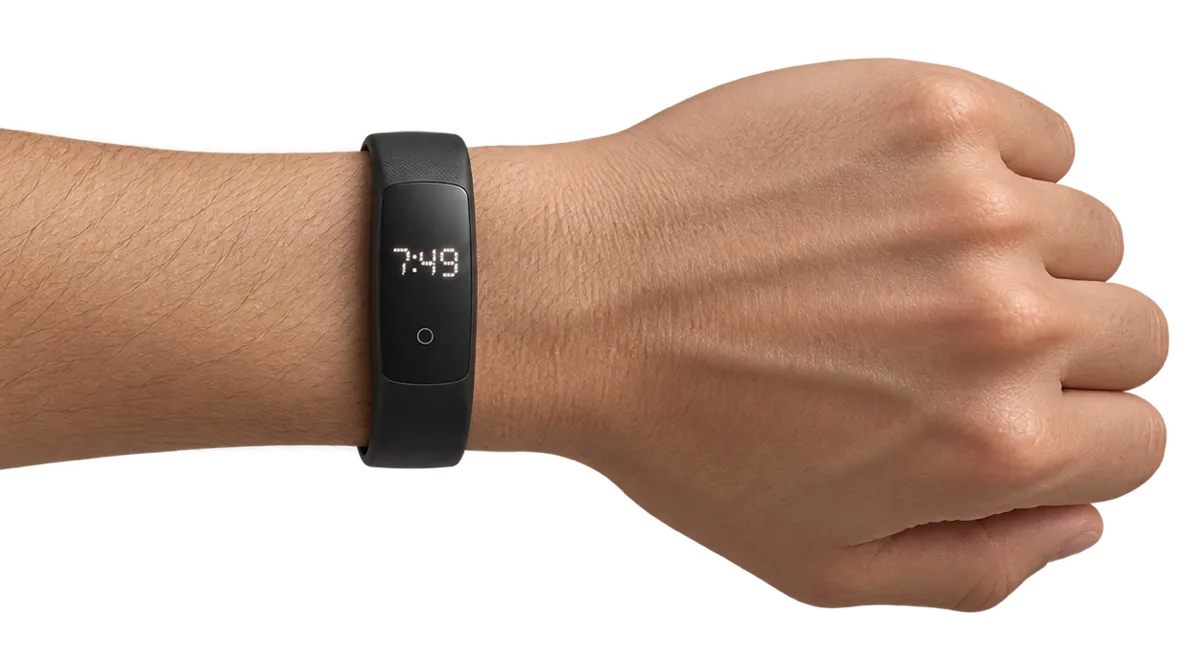
What's next
The quiet one.
No screen. No verdict at six in the morning. It notices, and then it waits until you ask.
Concept — not builtUse cases
Say it once. It goes where it belongs.
Everything the app does, played on the phone. New here? Each one says why it helps. Already using it? Each one says where to find it.
Sample names and words. Android shown; some parts need a WHOOP strap, a partner or the online AI switched on.
Still, at the centre.
simpl.day
Request Access
Name and email are enough. Android first, set up personally with each tester. iPhone: you’re first in line the moment it’s ready. No spam, ever.